Compare Pune–Mumbai cab apps by route, fare inclusions, vehicle, driver details, support and cancellation terms before booking.
✦ Key Takeaways
- ✓Check the total fare, including expressway toll, before you confirm a Pune to Mumbai booking.
- ✓Compare the same route and date across two or three apps before you book.
- ✓Kynzora by KP Travels is on Google Play: Sedan ₹2,500 and Ertiga SUV ₹2,800 one way, toll included.
Cab Booking App for Pune to Mumbai: A Practical Booking Checklist A cab booking app should make the trip details easy to review before you confirm. For a Pune–Mumbai journey, compare the full booking information rather than choosing only by the first fare shown.
Check the route and pickup Enter the exact pickup and destination addresses. Confirm whether the trip is one-way, round-trip or includes local stops, and check that the drop point suits your plans. If you need an airport or station transfer, include the terminal or station name and your timing.
Understand the total price Read what the fare includes. Ask about tolls, parking, driver allowance, taxes, waiting time, extra kilometres and any night charges. Confirm whether the app displays a fixed quote or an estimate that can change with route or trip duration.
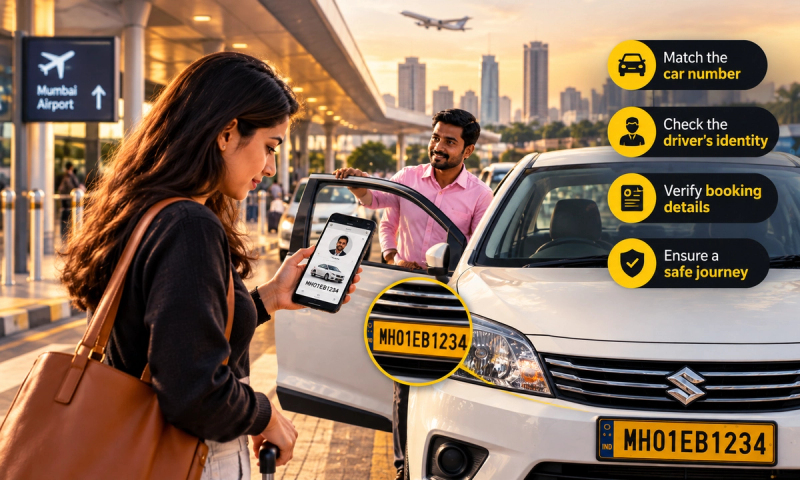
Review the vehicle and booking terms Select a vehicle that fits the passenger count and luggage. Check the cancellation, rescheduling and refund terms before paying. Keep the booking reference, driver details and support contact accessible, and verify the assigned vehicle before boarding.
Plan around traffic Road travel times vary with departure time, traffic and road conditions. Leave a buffer for flights, trains and appointments, and keep your phone charged during the journey.
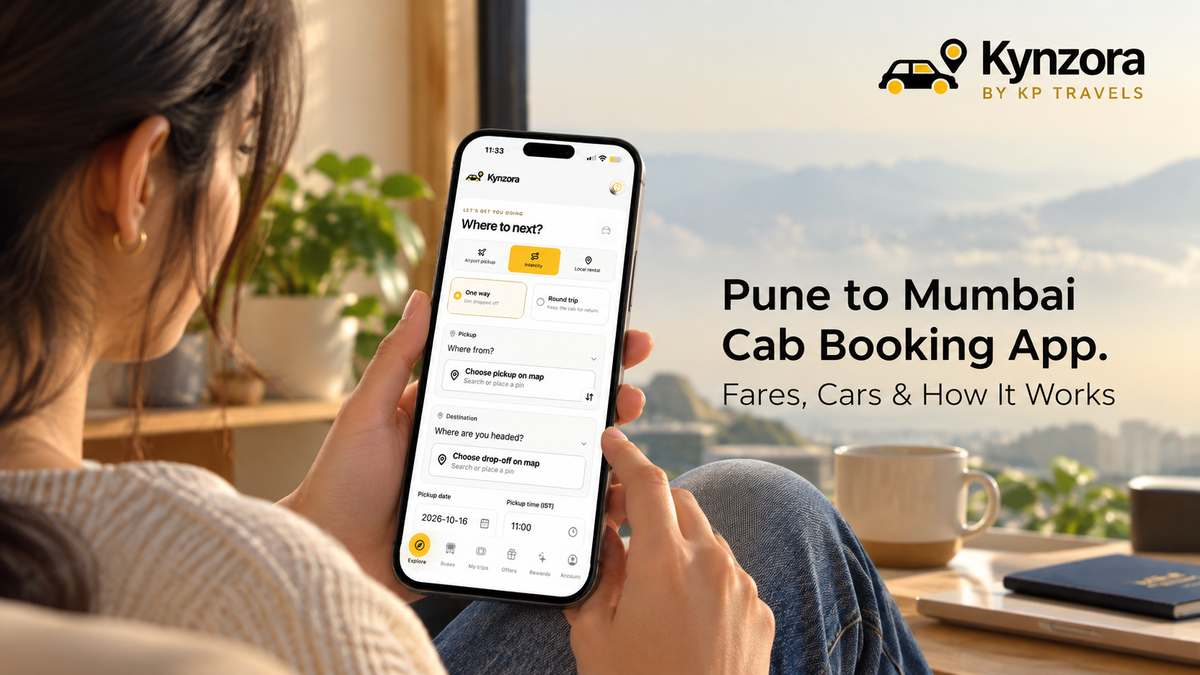
Kynzora by KP Travels offers private cab bookings for Pune–Mumbai travel. Check current vehicle options and the complete fare for your date in the app or with the booking team. Share your pickup, drop, passenger count and luggage needs so the trip can be confirmed accurately.
When comparing a Pune–Mumbai cab booking app, verify the exact pickup and drop areas, departure window, passenger and luggage capacity, full fare inclusions, cancellation terms and a support contact before confirming.